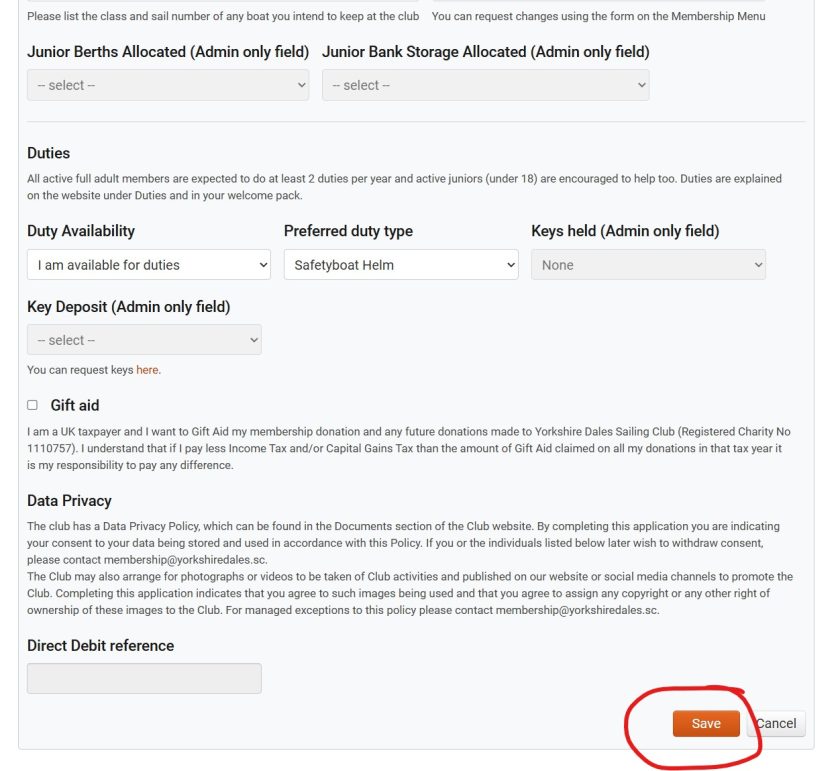

With our online membership system you can log in and change many of your membership details. Some fields are locked because changing them requires action by the club, so to change these you need a form from the Membership Menu. This includes:
- Membership type – we’ll need to adjust direct debit payments
- Berth allocations – we’ll need to let the boatpark manager know and adjust direct debit payments
- Key holding and deposits – we’ll need to make arrangements for handover and payment.
- Direct debit changes
For most other things you can change them as follows:
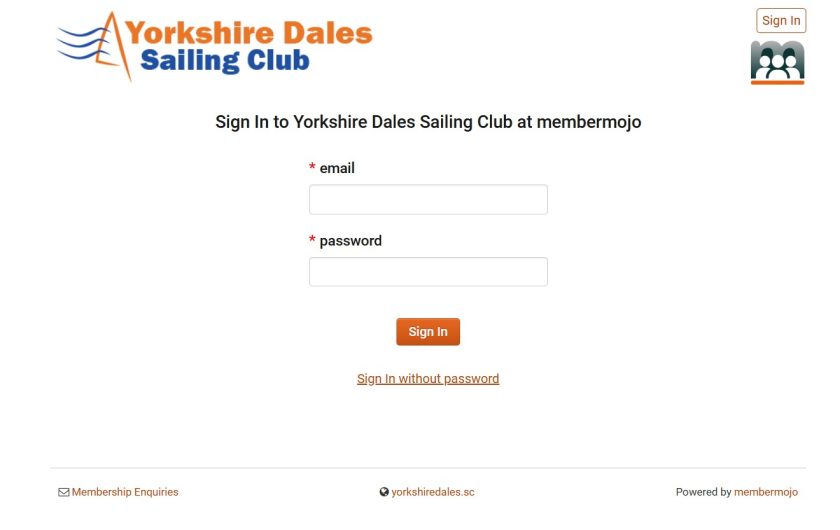
Log in to the system here. You can log in with just your registered email (the system will email you a login link) or you can set up and use a password if you prefer.
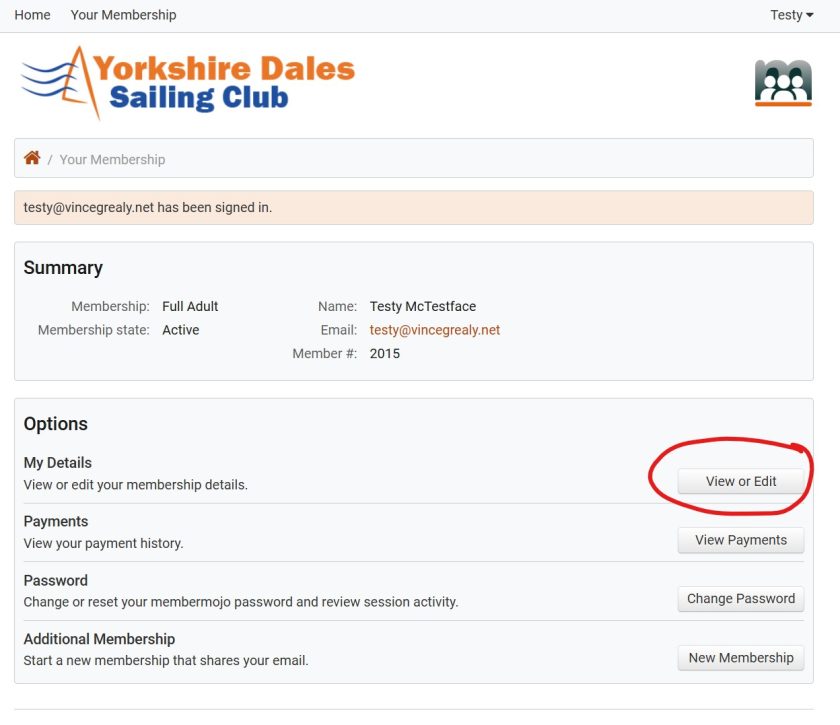
Once you have logged in you will see your account page. Here you can choose to view your details:
You can then view your details. If you want to change anything choose Edit at the bottom:
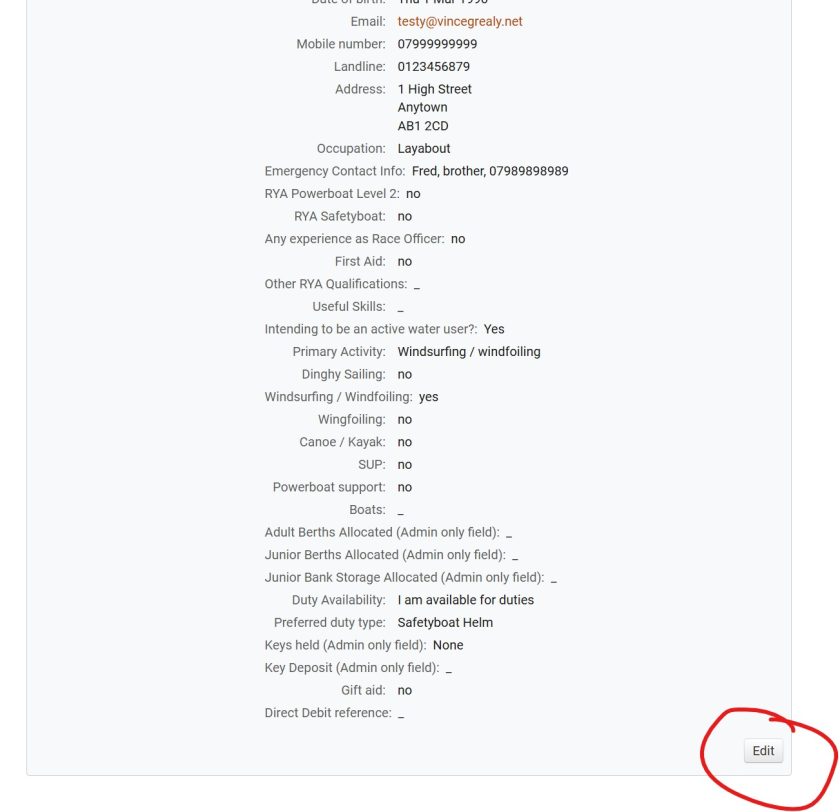
Once you have made your changes don’t forget to Save.